Enhancement – Last Synced Status on PSA Data Refresh Screen
Improved Visibility for External Service Synchronization
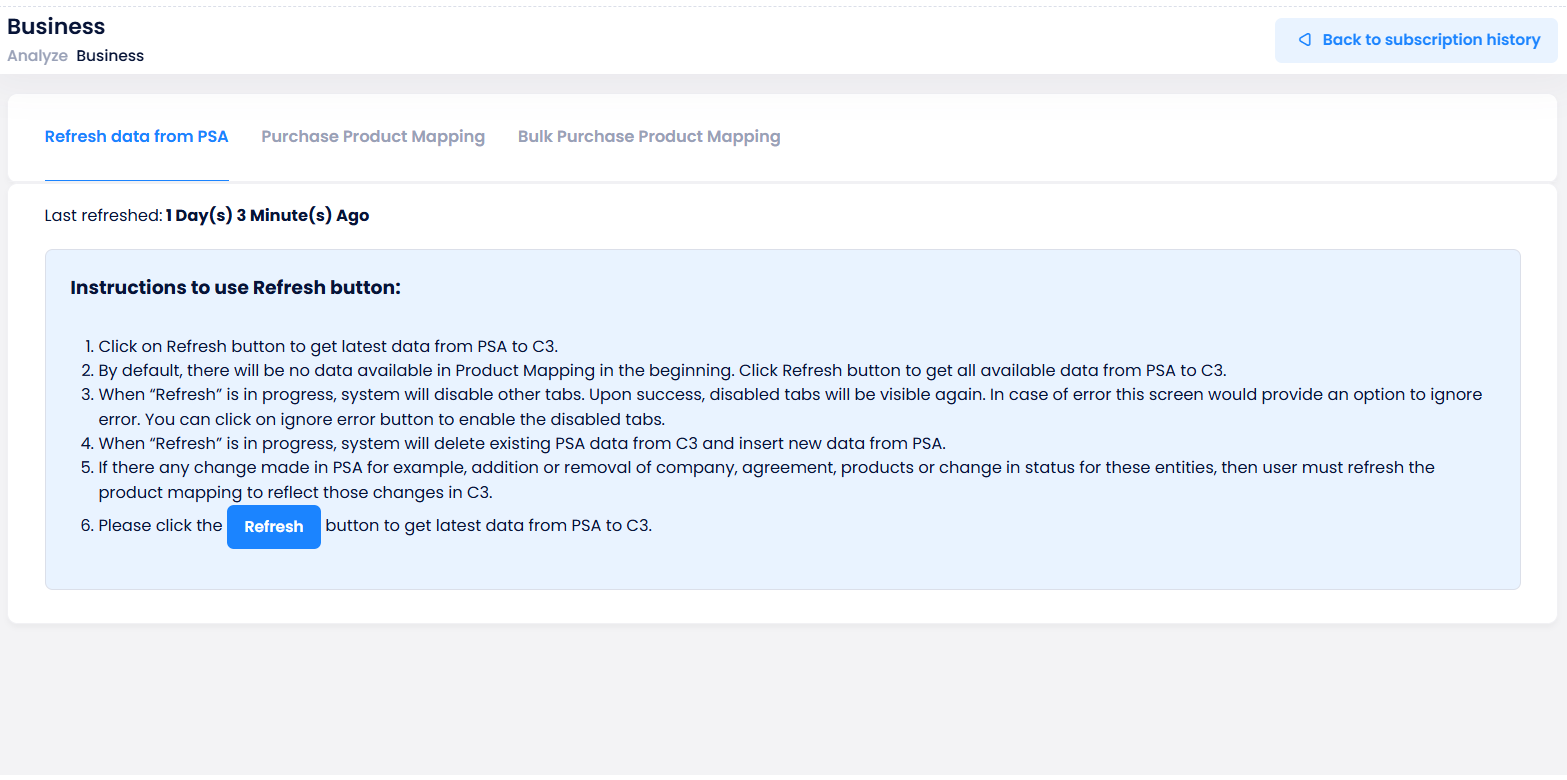
We’ve introduced a new visibility enhancement on the Product Mapping > Refresh Data from PSA screen in C3, allowing partners to view the last successful synchronization status between PSA and C3.
This improvement helps partners confirm data freshness and avoid unnecessary sync operations.
What’s New
-
A new Last Synced On field has been added to the Refresh Data from PSA screen.
-
The field displays the timestamp (Date and Time) of the most recent successful synchronization event.
-
The displayed time automatically updates whenever a new sync completes successfully.
Analyze > Business > Subscription History > Product Mapping > Refresh Data from PSA
Terms and Conditions Column in License Change Report
We’ve enhanced the License Change Report in C3 to include an additional column that displays the exact Terms and Conditions (T&C) accepted at the time of license changes.
This update provides customers and partners with better visibility into the specific agreement details associated with each license modification.
What’s New
-
A new Accepted T&C column has been added to the License Change Report.
-
This column shows the exact Terms and Conditions text or reference that was accepted during the license update or activation process.
-
The enhancement ensures that all license change records now include complete context for the associated acceptance details.

Xero Integration Enhancement – Invoice Line Item Description Update
Improved Line-Item Clarity and Context for Xero Invoice Exports
We’ve enhanced the invoice line-item description format used during Xero exports to provide better visibility and context for each billed item.
The new format includes key product and billing details, making it easier for finance teams to identify, validate, and reconcile invoices accurately.
What’s New
-
A new custom description format has been introduced for invoices posted to Xero.
-
Each line item in the Xero export now includes the following details:
- Type of Product (NCE / Legacy / Azure / RI)
- Product or Subscription Name
- Commitment Term (1 Month / 1 Year / 3 Year)
- Billing Cycle (Monthly / Annual)
-
The enhanced description format is configured using the XeroLineItemDescriptionFormat setting.
- Default: Uses the existing standard description format.
- Enhanced: Applies the updated line-item format for improved clarity.
Microsoft 365 Business Premium [07/02/2024 - 07/03/2024]
OnlineServicesNCE - Microsoft 365 Business Premium [07/02/2024 - 07/03/2024] (Term – 1 Year) (Billing Cycle – Monthly)